A consistent style, guaranteed
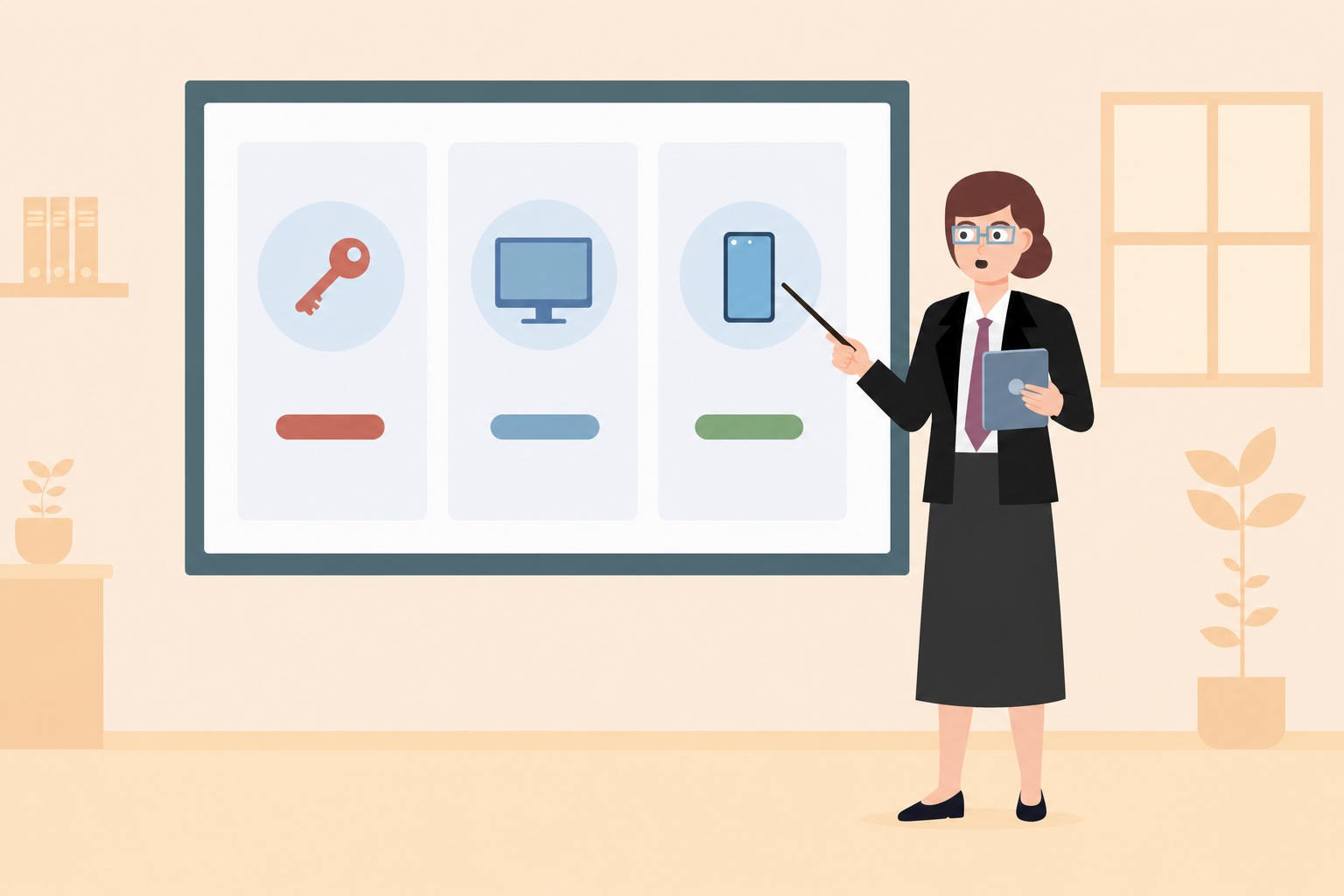
More than 180 handcrafted reference graphics form the foundation of our learning graphic generator. Every new learning graphic fits the existing set — no chaotic mix of styles and no break in visual consistency.
For anyone who wants to make training more effective with their own situation-specific content and images – with minimal effort.
Your AI studio for designing digital learning · Developed in Germany
Save time with AI: from course structures and learning graphics to knowledge tests and accessibility — each tool takes a specific step off your plate.
skillsforwork Studio is not an off-the-shelf AI image generator or a chatbot. Every AI tool is backed by the expertise of subject-matter consultants, AI specialists and graphic designers who set out to make training work more effectively and efficiently with AI.
More than 180 handcrafted reference graphics form the foundation of our learning graphic generator. Every new learning graphic fits the existing set — no chaotic mix of styles and no break in visual consistency.
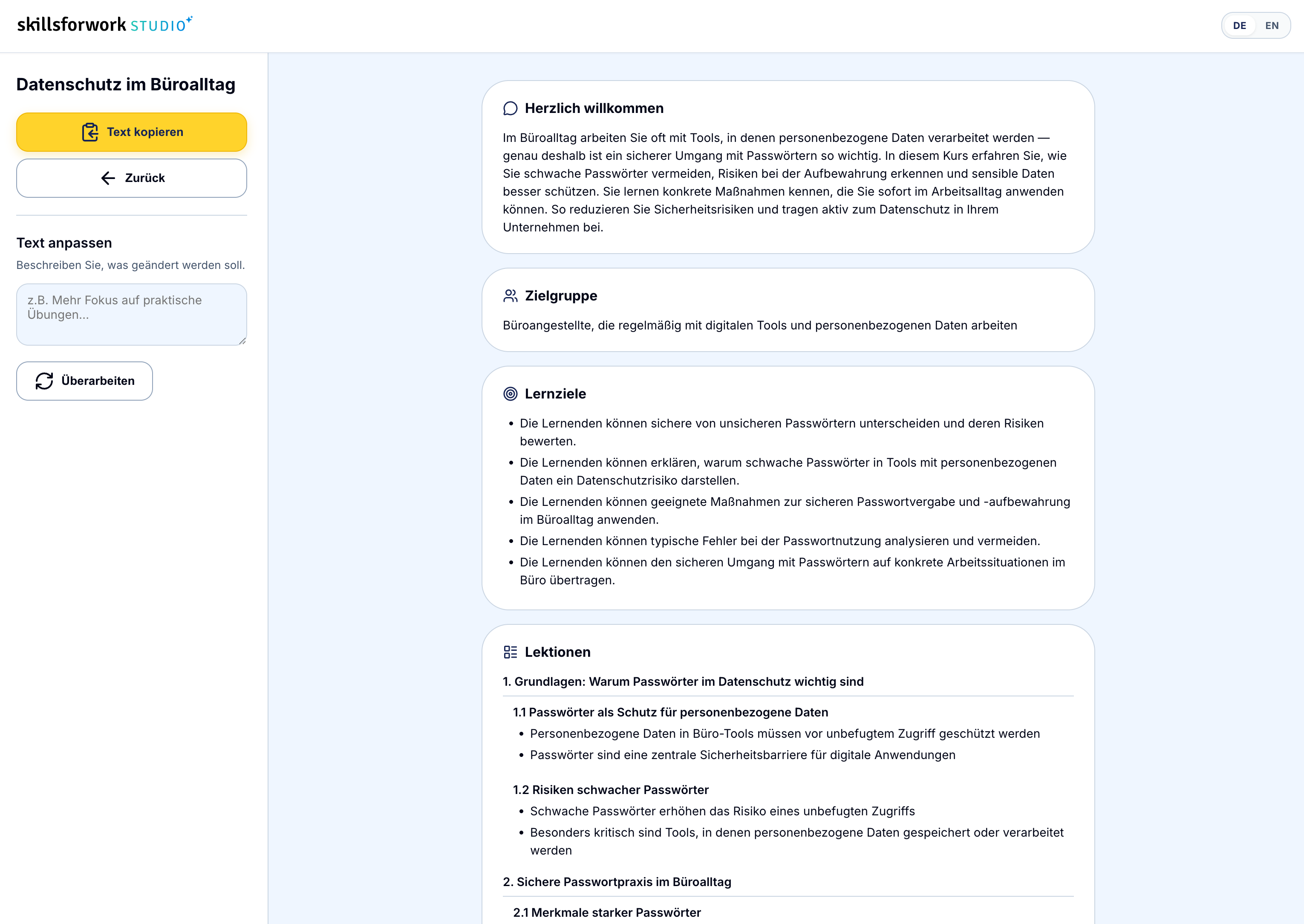
The course planning agent thinks in learning objectives and chapters, not random keywords. The result is a structure you can actually use — not just a basic list.
Your own texts and PDFs are used as the foundation, not just as rough inspiration. This keeps terminology, facts and tone close to what applies in your organization.
For you and your team. Clear language, calm visuals and no flashy effects — skillsforwork Studio is designed for everyday compliance and professional training, not marketing spectacle.
Enter your topic and optionally add text or a PDF. The Studio agent turns it into learning objectives, chapters and a clear introduction.
Name your topic and optionally add your own texts or PDFs. skillsforwork Studio takes your content seriously — it is the foundation, not just inspiration.
In the background, the course planning agent reads your sources, derives learning objectives and organizes them into a meaningful learning structure.
You receive a complete course plan including an introduction. Build on it, add to it or get suggestions for your first learning graphics.
Describe the situation — or attach an example image. Imagine plans the visual concept and creates learning graphics in the consistent skillsforwork style. Recurring characters turn individual images into a learning journey.
Describe the scene, choose the visual style and optionally attach an example image. Imagine knows your audience and tone of address.
The agent selects suitable style references from the library, plans the visual concept and creates the graphic in the skillsforwork style.
The image appears directly in the editor. Adjust the prompt, style or crop — then download it immediately.
Studio Imagine was not built overnight. Behind every generated learning graphic is a curated library of characters, objects and scenes — consistent, proven and built for workplace training.
A selection from the Studio Imagine reference library · Hover over the tiles.
Choose a topic area and enter the context. The Studio agent generates realistic workplace case studies — including reflection questions and a model answer. Ideal for workplace training, courses and group discussions.
A concrete, credible starting point from everyday work — close to what your learners actually encounter.
The dilemma that calls for a decision — the moment when the right action is not obvious.
Two to four focused questions that encourage critical thinking — perfect for group work or quiet self-reflection.
A well-founded assessment with a recommended course of action — as the solution or a guiding thread for the trainer.
Four topic areas included by default: Health & Safety, Care, Cyber Security and Other. Available in English and German, ready to copy or download as a text file.
Generate a case studyWe recognise that training needs to be accessible for everyone. That’s why we’ve built three AI tools that make e-learning easier for people with reading or visual impairments. Simply upload a PDF or image; skillsforwork Studio takes care of the rest.
Upload a PDF and rewrite its content in easy or plain language, making it easier to understand for people with limited English skills. Export as text or PDF, or copy it directly.
Summarize a PDF and have it read aloud — designed for blind and visually impaired people. Play it directly in the browser, download the audio as an MP3 and get the summary as text.
Analyze an image and create concise alt text as well as a detailed image description — ready to use in accessible e-learning and for blind learners.
The tools work with your own source PDFs or images — with no break in style, in German and English, ready to use immediately.
Try the accessibility tools